
Description
Description:
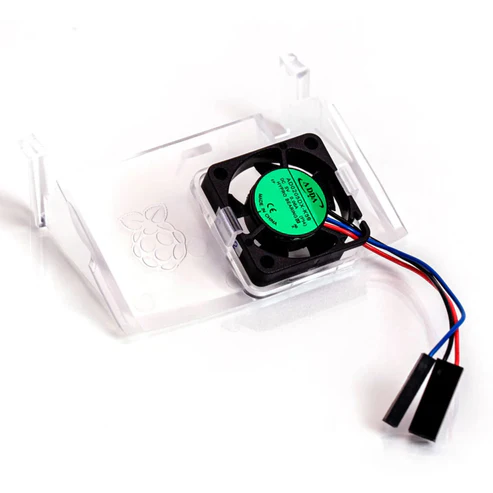
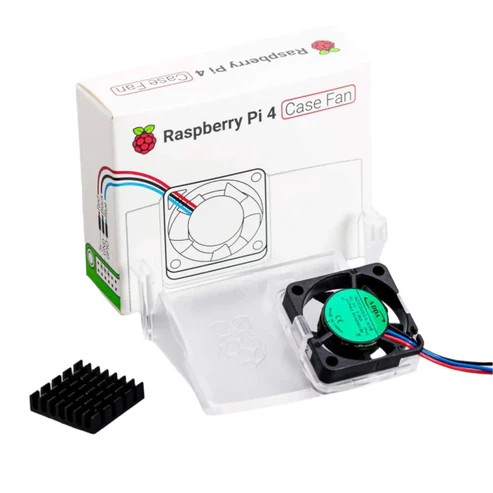
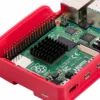
The Raspberry Pi case fan is the latest raspberry pi accessory that was launched and is best compatible for all Raspberry Pi 4 microcontrollers. It is designed by Raspberry Pi to give the optimum airflow for Raspberry Pi 4. This official Raspberry Pi case fan comes with a heatsink whith self adhesive feature that improves heat transfer from the processor.
Specification:
- Brand: Raspberry Pi
- Model number: TIFAC0091
- Power Connector Type: 2Pin
- Input voltage: 5V DC supplied via 40-pin GPIO header on Raspberry Pi 4
- Fan speed control: Pulse width modulation control via user-selectable GPIO pin
- Maximum airflow: 1.4 CFM
- Case material: Clear PC
Features:
- Fits perfectly into the lid of the Raspberry Pi 4 Case
- Temperature-controlled fan delivers up to 1.4CFM of air flow over the processor, memory, and power management IC
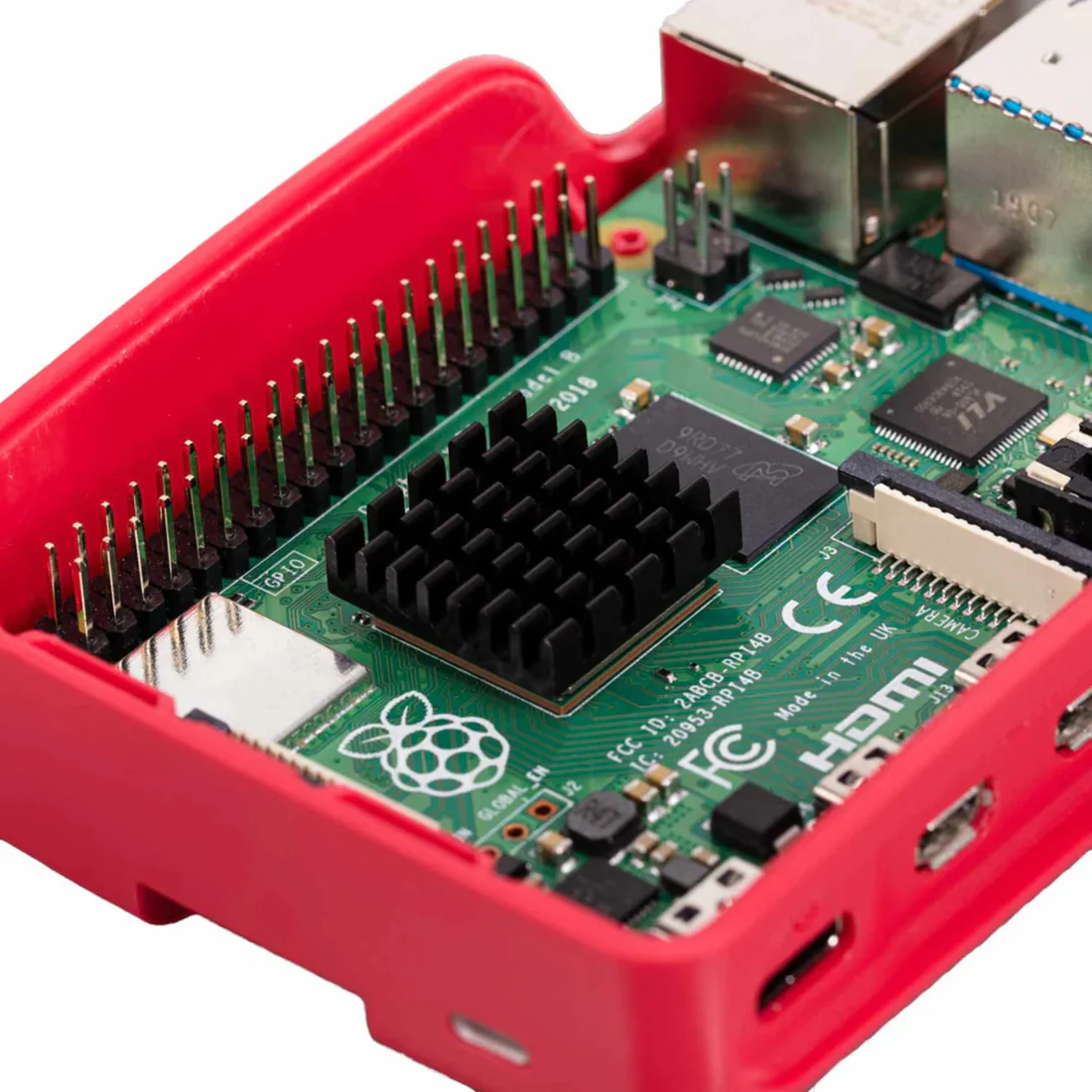
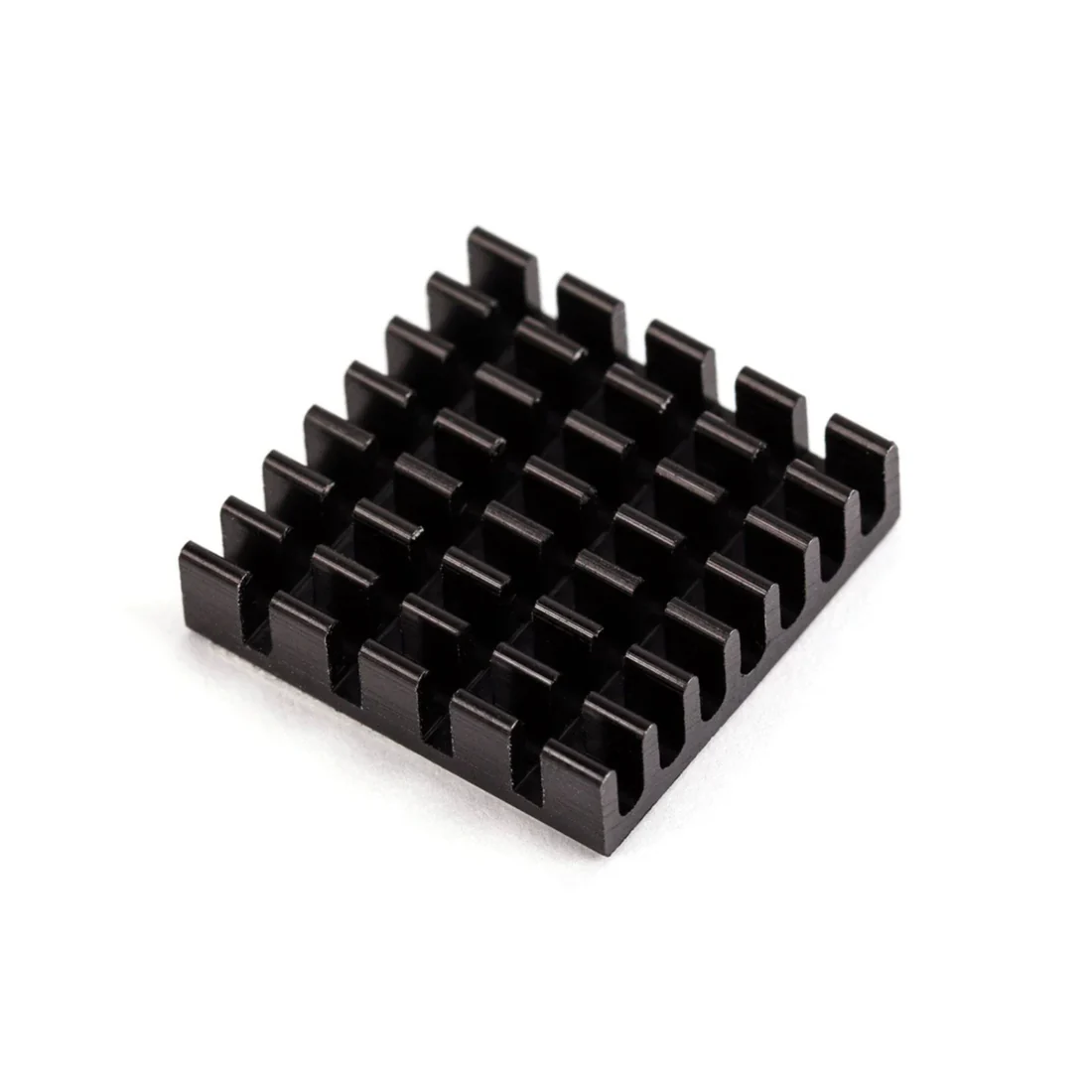
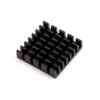
- 18mm × 18mm × 10mm heatsink with self-adhesive pad improves heat transfer from the processor
How To Assemble The Fan:
- Remove any SD card, then put your Raspberry Pi into the lower half (base) of your case. Take care to align the mounting holes in the corners with the bumps in the case.
- Insert the fan into the upper half (lid) of the case, with the green label facing away from the lid. Push gently but firmly so that the two tabs on the fan housing click neatly into place inside the tabs on the lid. The slightly curved edge of the housing should be flush with the underside of the lid.
- If you are fitting the heatsink, remove the backing paper from the self-adhesive pad on the base of the heatsink, position it centrally over the processor, and gently press it into position.
- Connect the three leads from the fan to the Raspberry Pi’s GPIO pins, as shown in the diagram below. Take care to connect each lead to the correct pin.
- Fit the lid of the case onto the base.

Using Your Fan
Once you have connected your fan, by default it will be on whenever your Raspberry Pi is running. You can configure it to turn on only when your Raspberry Pi reaches a temperature that you choose.
Using a recent version of Raspberry Pi OS, first update to retrieve any recent changes to the operating system:
- Open the Terminal, either from the Start menu (click the Raspberry Pi icon in the top left corner) or by pressing Control + Alt + T.
- Type sudo apt update and then, when the update has finished, type sudo apt full-upgrade.
Then open the Raspberry Pi Configuration tool:
- Click on the Raspberry Pi icon in the top left corner and select Preferences then Raspberry Pi Configuration.
- Select the Performance tab.
- Next to Fan, click Enabled.
- If you have connected your fan as shown above, the default of 14 for Fan GPIO does not need to be changed.
- Select the Fan Temperature at which you want your fan to turn on. The default is 80°C, which will stop the Raspberry Pi throttling on difficult tasks without having the fan on all the time.
Useful link:
Package Included:
1 x Raspberry Pi 4 Case Fan Pi 4 Case Fan RPi 4 Case Fan Protect Your Raspberry Pi 4 From Overheating With A Case Fan

 Waveshare 1.8inch LCD Display Module For Raspberry Pi Pico 65K RGB Colors 160×128 Pixels TFT Screen SPI Interface
 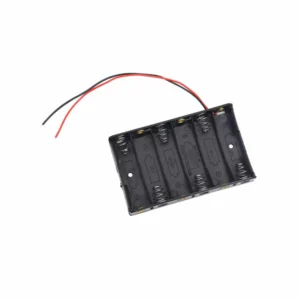 6 x AA Battery Holder Case Storage Holder 1.5V AA Battery Holder
  XYQ-6 DIY Wooden Drone with Camera Kit for Kids or Beginner, 2.4GHz RC Quadcopter with Altitude Hold, Headless Mode, 3D Flip and One Key Lift
  40A 2-4S Brushless ESC Electronic Speed Controller With High-Performance 40A ESC 2-4S LiPo Batteries and Powerful 40A ESC Wide Voltage Compatibility For RC FPV Quadcopter Aircraft
  NEO-M8N GPS Module With Active Ceramic Antenna: Reliable and Accurate Location Data For Real-Time Tracking, Mapping, and Geolocation Projects
  YRRC 30A ESC YRRC 30A 2-4S Blheli_S DSHOT600 OPTO Brushless ESC for RC Drone FPV Racing
  JX Servo PS-1181HB 17g Plastic Gear For RC Model, Helicopter Parts Core Motor For RC Helicopter Car Boat Airplane
  GPS Antenna UFL Connector GPS Antenna Active Internal GPS Antenna Mini Ceramic GPS Antenna GPS Antenna With IPEX Connector High-Gain GPS Antenna With UFL Connector Drone Aerial Antenna GPS Module Receiver Tracking With UFL Interface
  DM002 DIY Drone Kit DM002 2.4GHz RC Quadcopter DM002 Remote Control Quadcopter Drone Best Ideal Gift For Beginners ( Camera Not Included)
Reviews
There are no reviews yet.