
Description
Description:
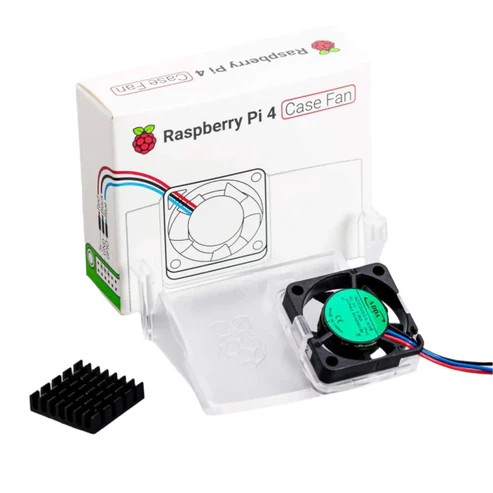
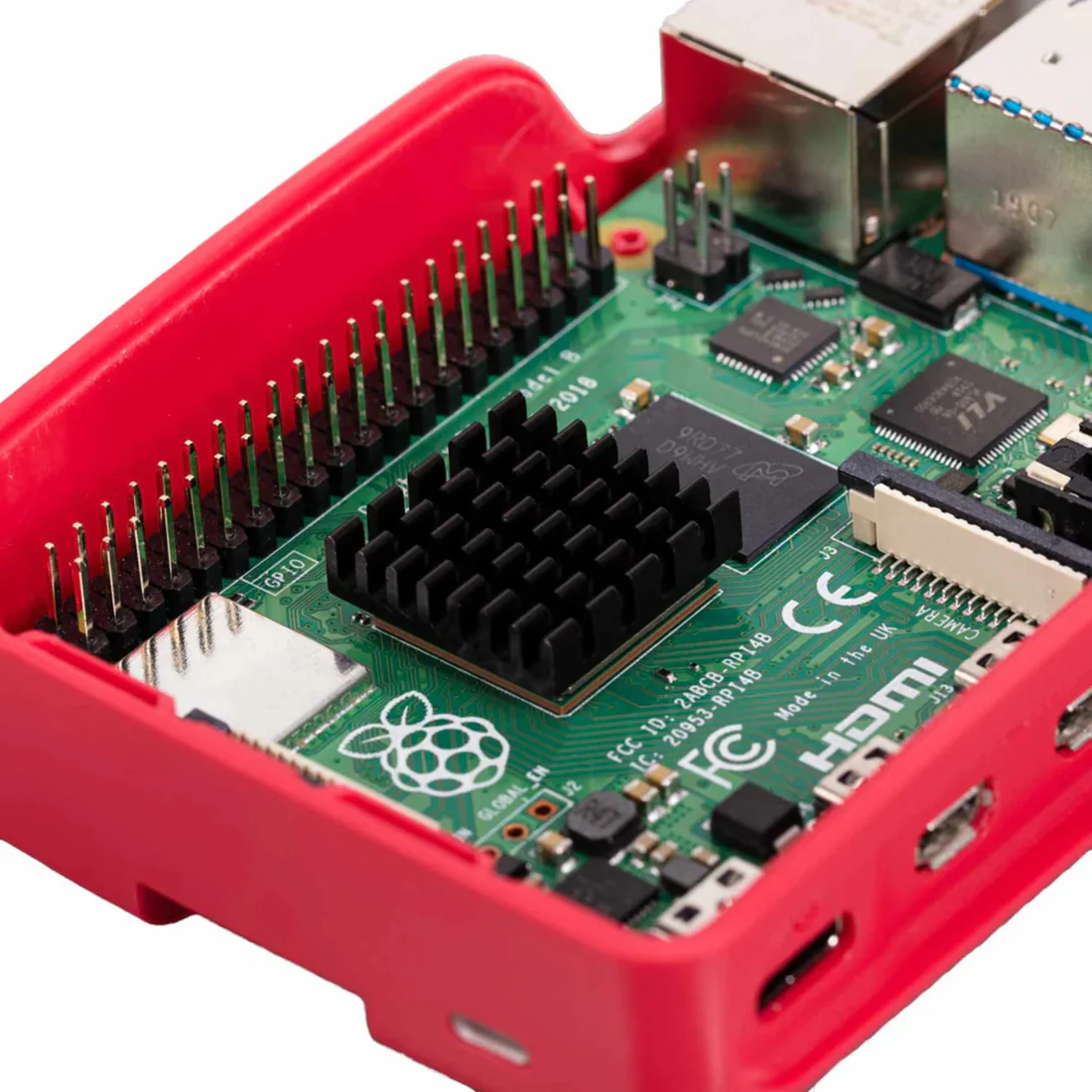
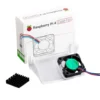
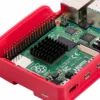
The Raspberry Pi case fan is the latest raspberry pi accessory that was launched and is best compatible for all Raspberry Pi 4 microcontrollers. It is designed by Raspberry Pi to give the optimum airflow for Raspberry Pi 4. This official Raspberry Pi case fan comes with a heatsink whith self adhesive feature that improves heat transfer from the processor.
Specification:
- Brand: Raspberry Pi
- Model number: TIFAC0091
- Power Connector Type: 2Pin
- Input voltage: 5V DC supplied via 40-pin GPIO header on Raspberry Pi 4
- Fan speed control: Pulse width modulation control via user-selectable GPIO pin
- Maximum airflow: 1.4 CFM
- Case material: Clear PC
Features:
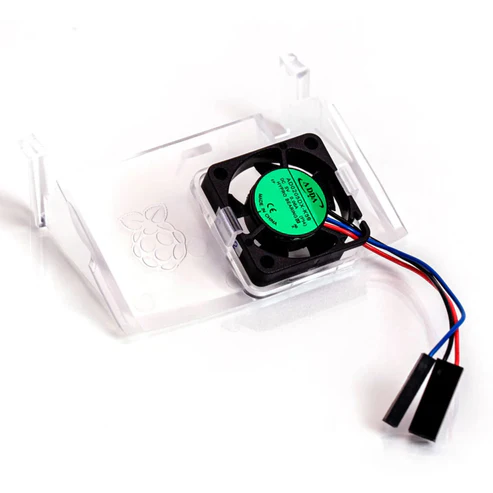
- Fits perfectly into the lid of the Raspberry Pi 4 Case
- Temperature-controlled fan delivers up to 1.4CFM of air flow over the processor, memory, and power management IC
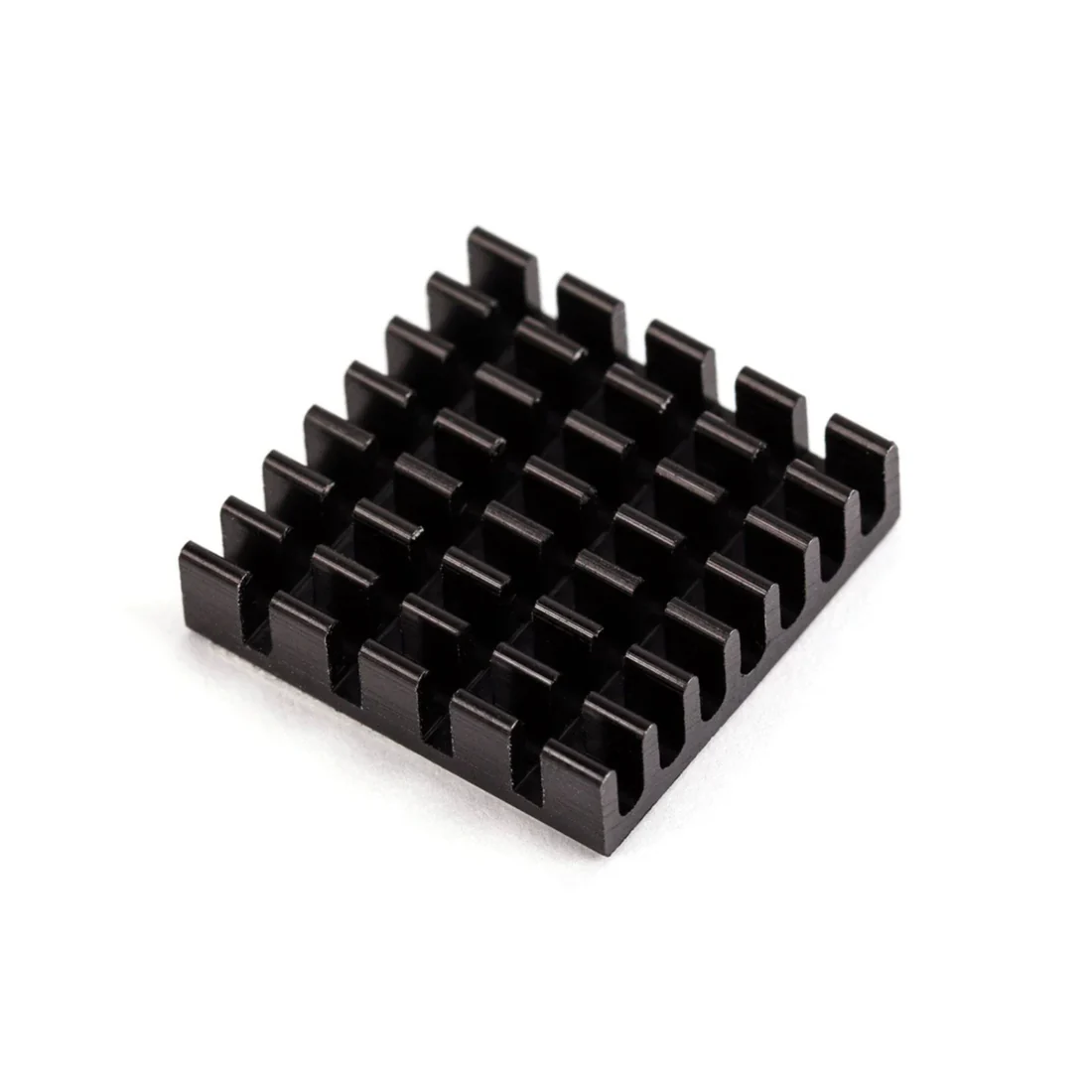
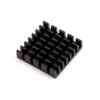
- 18mm × 18mm × 10mm heatsink with self-adhesive pad improves heat transfer from the processor
How To Assemble The Fan:
- Remove any SD card, then put your Raspberry Pi into the lower half (base) of your case. Take care to align the mounting holes in the corners with the bumps in the case.
- Insert the fan into the upper half (lid) of the case, with the green label facing away from the lid. Push gently but firmly so that the two tabs on the fan housing click neatly into place inside the tabs on the lid. The slightly curved edge of the housing should be flush with the underside of the lid.
- If you are fitting the heatsink, remove the backing paper from the self-adhesive pad on the base of the heatsink, position it centrally over the processor, and gently press it into position.
- Connect the three leads from the fan to the Raspberry Pi’s GPIO pins, as shown in the diagram below. Take care to connect each lead to the correct pin.
- Fit the lid of the case onto the base.

Using Your Fan
Once you have connected your fan, by default it will be on whenever your Raspberry Pi is running. You can configure it to turn on only when your Raspberry Pi reaches a temperature that you choose.
Using a recent version of Raspberry Pi OS, first update to retrieve any recent changes to the operating system:
- Open the Terminal, either from the Start menu (click the Raspberry Pi icon in the top left corner) or by pressing Control + Alt + T.
- Type sudo apt update and then, when the update has finished, type sudo apt full-upgrade.
Then open the Raspberry Pi Configuration tool:
- Click on the Raspberry Pi icon in the top left corner and select Preferences then Raspberry Pi Configuration.
- Select the Performance tab.
- Next to Fan, click Enabled.
- If you have connected your fan as shown above, the default of 14 for Fan GPIO does not need to be changed.
- Select the Fan Temperature at which you want your fan to turn on. The default is 80°C, which will stop the Raspberry Pi throttling on difficult tasks without having the fan on all the time.
Useful link:
Package Included:
1 x Raspberry Pi 4 Case Fan Pi 4 Case Fan RPi 4 Case Fan Protect Your Raspberry Pi 4 From Overheating With A Case Fan


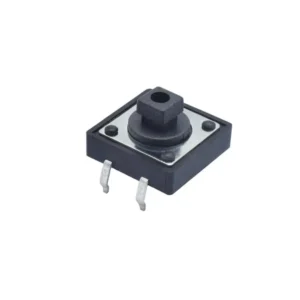 Push Button 12x12x7.3mm Tactile 4 Pin Push Button Switch
  Radiolink Byme-D Flight Controller Radiolink Byme-D Stabilizer 3 Channels Flight Controller with Gyroscope 3D Fly FC for Delta Wing Paper Plane
 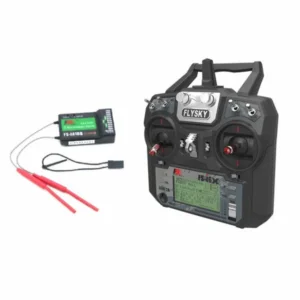 Fly Sky FS-i6X 2.4GHz 6CH AFHDS 2A RC Transmitter With FS-iA10B 2.4GHz 10CH Receiver
  12*4.5 Propeller 1245 Carbon Fiber Nylon Propeller - CW&CCW - Black
  Official Raspberry Pi 4 Case Raspberry Pi Case Protective Case for Raspberry Pi 4 Model B 1GB, 2GB, 4GB, 8GB (Black & Grey)
  Sky Blue PLA PRO+
  HQProp T63MMX8 Propellers Light Grey Polycarbonate Propeller Precision Crafted Polycarbonate Blades For Reliable and Powerful Flight - 2CW & 2CCW
  2312 920KV Brushless Motor Drone CW Motor Rotation Brushless DC Motor High-Performance Quadcopter Motor Powerful Drone Motor Affordable Drone CW Motor
  Radiolink CrossRace V1.0 Flight Controller High Performance CrossRace APM Flight Controller Stack OSD Integrated For DJI HD VTX System For RC Drone
 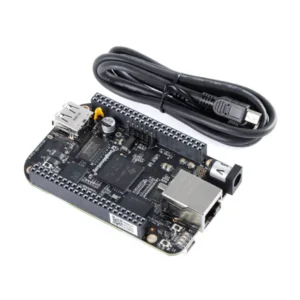 BeagleBone Black Rev C Development Board Cortex-A8 Board Open-Source Hardware Compact Development Platform
  Crystal Clear PLA PRO+
  Female Deans T-Plug Connector Deans Connector For RC LiPo Battery T-Plug Connector For ESC High-Quality Deans Connector For RC Applications
 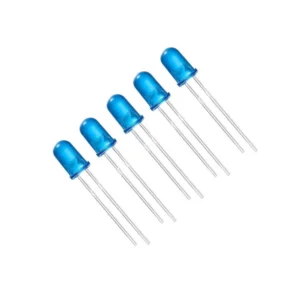 5MM Blue Led Light Emitting Diode (Pack of 5)
 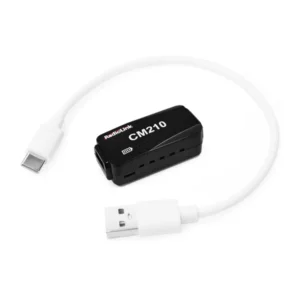 Radiolink CM210 LiPo Battery Balance Charger CM210 20W 1.5A Faster 2S 7.4V LiPo Battery Balance Charger USB Type-C Connector for RC Airplane Transmitter Car Boat SCX24 SCX10 Gel Blaster Gun
  1000KV BLDC Motor High Performance 1000KV BLDC Motor Perfect For Drones And RC Models Lightweight Motor Model Aircraft Motor
  E88 PRO RC Drone Without Camera 2.4G 4CH RC Foldable Quadcopter E88 PRO 360° Rolling Stunt Drone Smoothest Flight Controls To Perform Impressive Aerial Stunts
  TXX-994 4-in-1 Smart Sensing Robot Car Transforming Educational Robot Toy Car Function Educational Robot Toy With Remote Control Interactive Kids Coding Robot STEM Learning Robot Toy For Children
 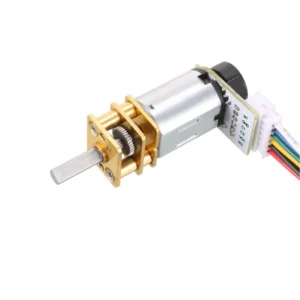 N20 Micro Gear Motor N20 12V 200 RPM Micro Metal Gear Motor With Encoder
 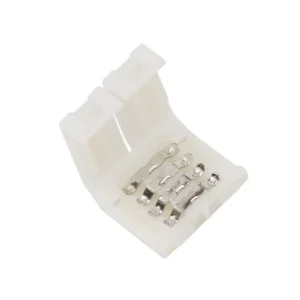 4-Pin 10mm LED Connector 4-Pin 10mm Waterproof LED Connector 10mm Male/Female LED Connector For RGB / RGBW / RGBWW Colour 5050 LED Strips, Pack Of 2
  FlySky Data Line Cable Access Wiring Connector for T6 i6, FS-i6, FS-T6 Transmitter
 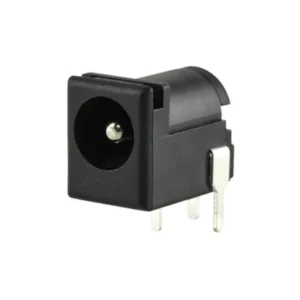 DC Barrel Power Jack/Connector
  2 Pin Female JST Connector 2 Pin Battery Connector for JST RCY Plug Female Connectors Wire for RC Toys Battery
Reviews
There are no reviews yet.